
Comment-to-DM Strategy: How to Generate Warm Leads on LinkedIn
Learn how the comment-to-DM strategy works on LinkedIn. From magic keyword to automated DM: generate warm leads without cold outreach.
5 min readRead article
Cookies
We use cookies for analytics to improve our website. Cookie policy
Discover how magic keywords work on LinkedIn. Choose the perfect keyword, trigger automatic DMs, and generate leads with one word. LinkedIfy automates it.

You see it everywhere on LinkedIn now. "Comment FREE and I'll send it to you." One word in the comments and your inbox floods with leads. That's not luck. That's the magic keyword strategy.
A magic keyword is a specific word your followers comment to receive something. It works through three psychological principles at once. Low barrier: typing one word costs nothing. Public commitment: they publicly say "I want this." Algorithm boost: every comment increases your reach.
The result is a chain reaction. One person comments, others see it, and they want it too. Within an hour your post can explode. Not through a viral video or a controversial opinion. Just through one smartly chosen word.
Read more about the complete comment-to-DM strategy and the full flow.
Not every keyword works equally well. The best keywords are short, action-oriented, and easy to remember. FREE, PDF, TEMPLATE, CHECKLIST, SEND. Those kinds of words. One or two syllables. No sentences, no email addresses, no complex instructions.
1-2 words max
FREE, PDF, SEND
Matches your lead magnet
Filters real interest
Avoid words people type accidentally. "Yes" or "great" as a keyword means every casual comment triggers a lead. You don't want that. Your keyword should filter intent. Someone who types "TEMPLATE" wants your template. That's a qualified lead.
Also test with localized keywords if you have an international audience. PDF works in any language. SEND too. Choose deliberately based on your audience.
LinkedIfy sends your lead magnet to everyone who responds.
LinkedIfy automatically scans all comments on your post. As soon as someone types your magic keyword. Exactly or as part of a longer comment. LinkedIfy sends your lead magnet via DM. Within minutes, without you lifting a finger.
Meanwhile, LinkedIfy posts a wall comment as social proof. "Sent!" Other followers see that and think: "I want that too." More comments, more reach, more leads. The flywheel spins.
Learn how to create a lead magnet that pairs perfectly with your keyword.
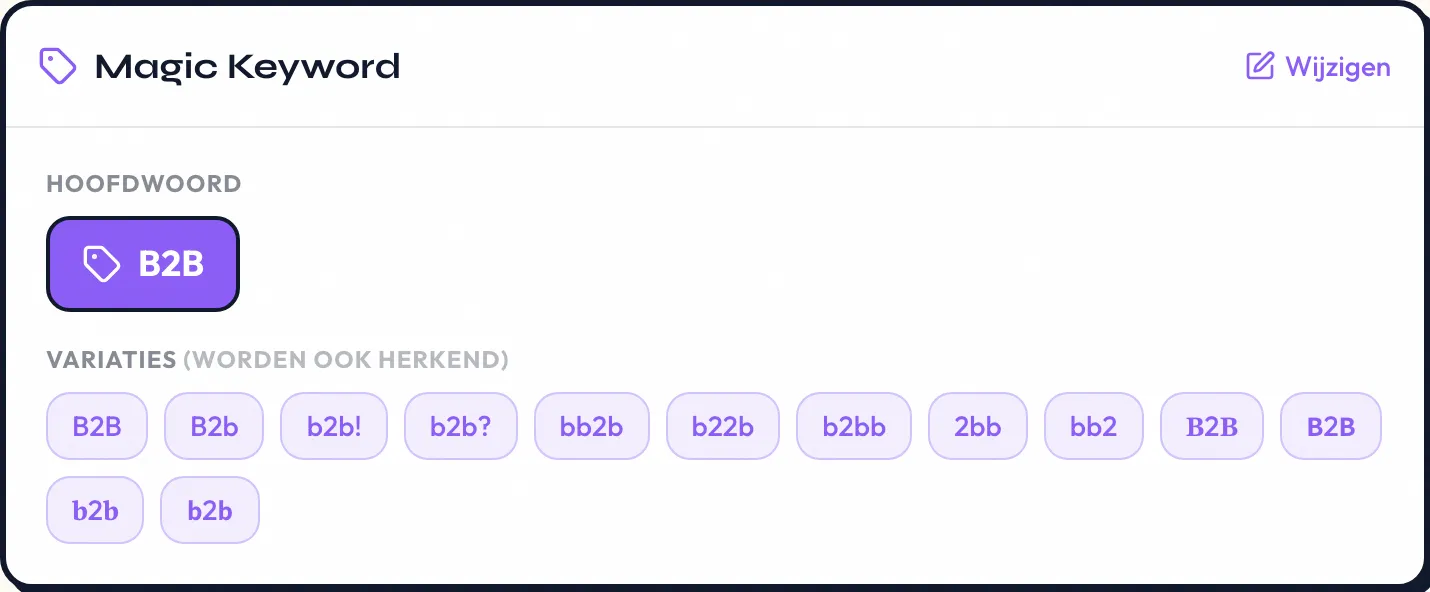
Short and action-oriented. FREE, PDF, TEMPLATE, and CHECKLIST are proven keywords. The best keyword depends on your lead magnet. A template? Use TEMPLATE. A free ebook? Use FREE or PDF.
Yes, LinkedIfy supports multiple keywords per lead magnet. That's useful if your post is in multiple languages or if you want to accept synonyms (e.g., FREE and GRATIS).
Choose a keyword that doesn't appear in normal comments. TEMPLATE or CHECKLIST are rarely typed accidentally. Avoid short words like "yes" or "great". They trigger too many false positives.
LinkedIfy detects keywords within minutes of posting. The DM is sent almost instantly. The faster the response, the higher the conversion. Leads expect instant delivery.
Yes. If someone writes "I'd love to get the TEMPLATE" the keyword TEMPLATE is detected. LinkedIfy checks if the keyword appears anywhere in the comment, not only as a standalone word.
Try LinkedIfy for free and set up your first magic keyword campaign in 5 minutes.
Try LinkedIfy free for 7 days. No credit card required. Your first campaign live in 15 minutes.
No credit card required - Set up in 2 minutes