
Magic Keywords on LinkedIn: How One Word Generates Leads
Discover how magic keywords work on LinkedIn. Choose the perfect keyword, trigger automatic DMs, and generate leads with one word. LinkedIfy automates it.
5 min readRead article
Cookies
We use cookies for analytics to improve our website. Cookie policy
Learn how the comment-to-DM strategy works on LinkedIn. From magic keyword to automated DM: generate warm leads without cold outreach.

"Comment FREE and I'll send it to you!" You see these posts more and more on LinkedIn. And they work. Dozens, sometimes hundreds of responses. But how do you set up a comment-to-DM strategy? And how do you make it scalable?
You post valuable content on LinkedIn. At the end, you ask readers to comment a magic keyword. Like "FREE", "TEMPLATE", or "CHECKLIST". Everyone who comments that keyword automatically receives your lead magnet via DM. Plus: a wall comment as confirmation and social proof.
Intent. The lead asks for your content themselves. That's the opposite of cold outreach. You don't need to convince anyone. They already convinced themselves.
Algorithm boost. Every comment increases your reach. More comments = more people see your post. The LinkedIn algorithm rewards engagement.
Social proof. When someone sees 50 comments, they want to join in. Success attracts success.
Low barrier. Typing one word is easier than filling out a form or leaving an email. The action takes 2 seconds.

Content with magic keyword
Comment with keyword
Automatic matching
Lead magnet delivered
Social proof
Start with the problem. Not your offer. Make the lead magnet concrete: "my 10-step checklist", not "valuable content". End with a clear CTA: "Comment FREE and I'll send it via DM." Keep it short: 150-200 words is enough.
From comment to DM in 15 minutes — no manual work needed.
Sending DMs manually works at 5 responses. At 50 it's impossible. LinkedIfy automates the entire process: keyword detection, DM, wall comment. You can run multiple lead magnets simultaneously on different posts. Also read how to create a lead magnet that converts.
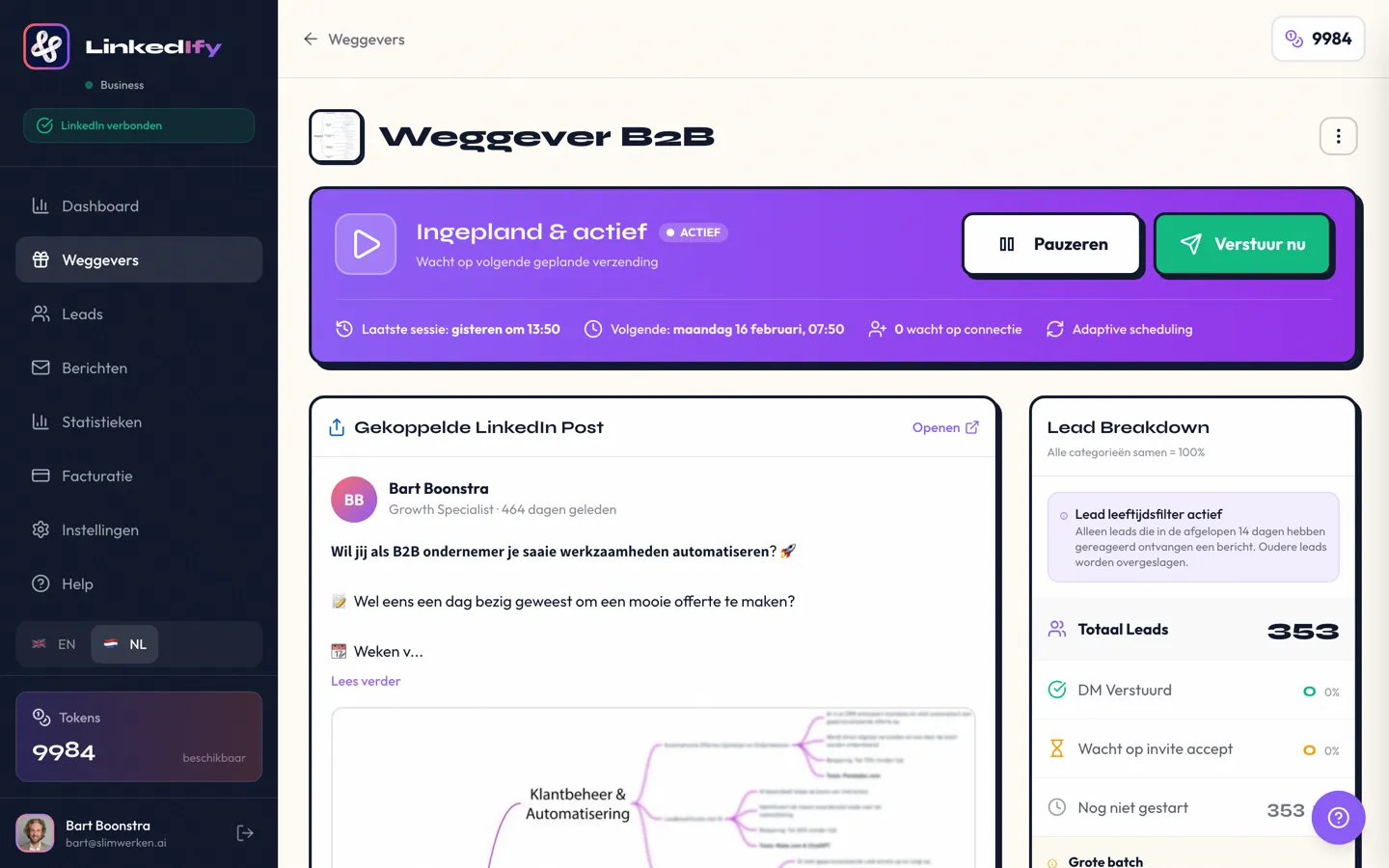
You post on LinkedIn with a magic keyword. Anyone who comments that keyword automatically receives your lead magnet via DM. No cold outreach. Only warm leads.
Choose something short and clear: "FREE", "TEMPLATE", "CHECKLIST", or the name of your lead magnet. One word works best.
It depends on your content and network. A good post generates 10-100+ responses. The key is a concrete offer and a low barrier.
Partially. 1st-degree connections get a direct DM. For 2nd-degree, LinkedIfy posts a wall comment inviting them to connect.
Yes. With LinkedIfy, you can attach a different lead magnet to each post with its own magic keyword. This lets you test what works best.
Start your free trial and launch your first comment-to-DM campaign.
Try LinkedIfy free for 7 days. No credit card required. Your first campaign live in 15 minutes.
No credit card required - Set up in 2 minutes