Step-by-step guide
How LinkedIfy works
From post to lead in 3 simple steps.
No technical knowledge required.
Post your content on LinkedIn
Create a LinkedIn post like you normally would. The only difference? Add a call-to-action. Ask your followers to comment a specific word — like FREE, CHECKLIST, or DOWNLOAD. This word becomes your magic keyword.
Your Name
Coach & Consultant
Want my free checklist for more LinkedIn leads? 📋
Comment FREE and I'll send it to you!
Tip: Use a short, attention-grabbing keyword
Tip: Make your offer concrete and valuable
Tip: Post during peak hours (Tue-Thu, 8-9am or 12-1pm)
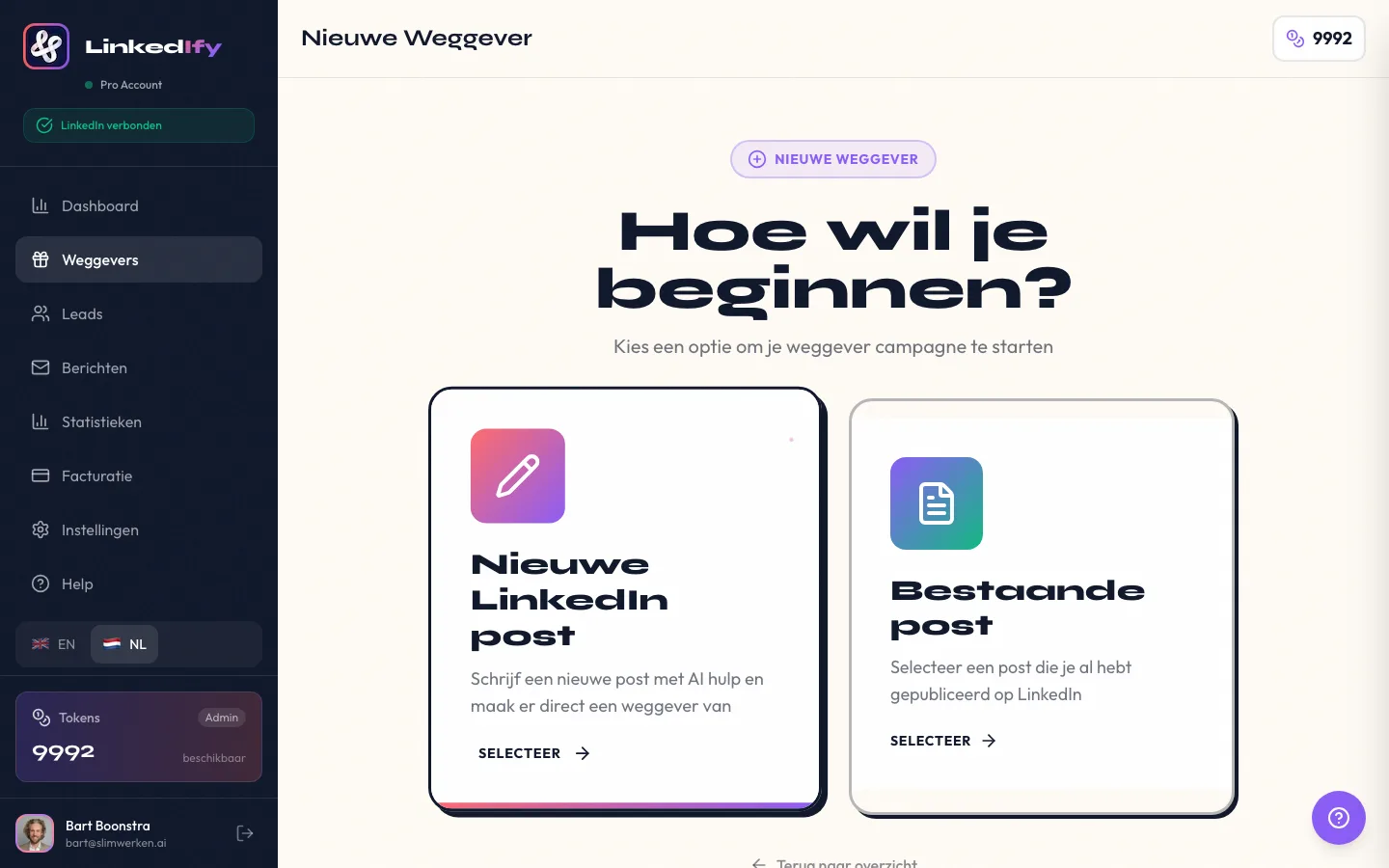
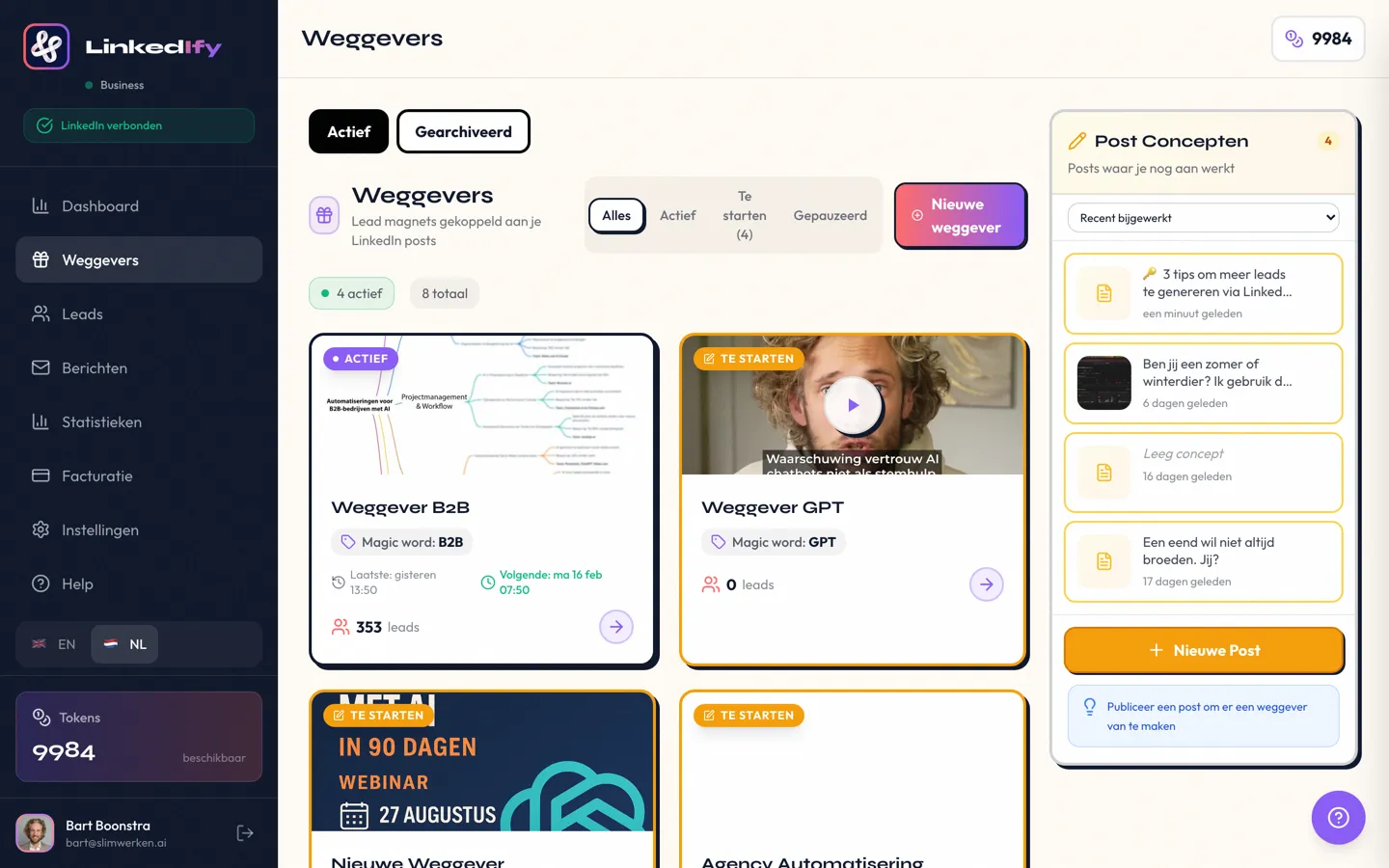
Set up your lead magnet
Open LinkedIfy, select your LinkedIn post, and configure everything. Choose your trigger word, write your DM template with a [firstname] placeholder, and optionally a wall comment. It takes at most 5 minutes and you only need to do it once per post.
Sit back & relax
From now on, LinkedIfy does the work. 24/7. Even while you sleep, go on vacation, or create content.
John Smith comments "FREE" → DM sent ✓
John Smith Wall comment posted ✓
Sarah Johnson comments "FREE" → Invite sent (not connected) ✓
Sarah Johnson accepts invite → DM sent ✓
Mike Williams comments "FREE" → DM sent ✓
Automatic DMs
Instantly send a personalised DM with your lead magnet
Wall Comments
Social proof: "Sent! Check your inbox"
Smart Invites
Not connected? LinkedIfy handles it
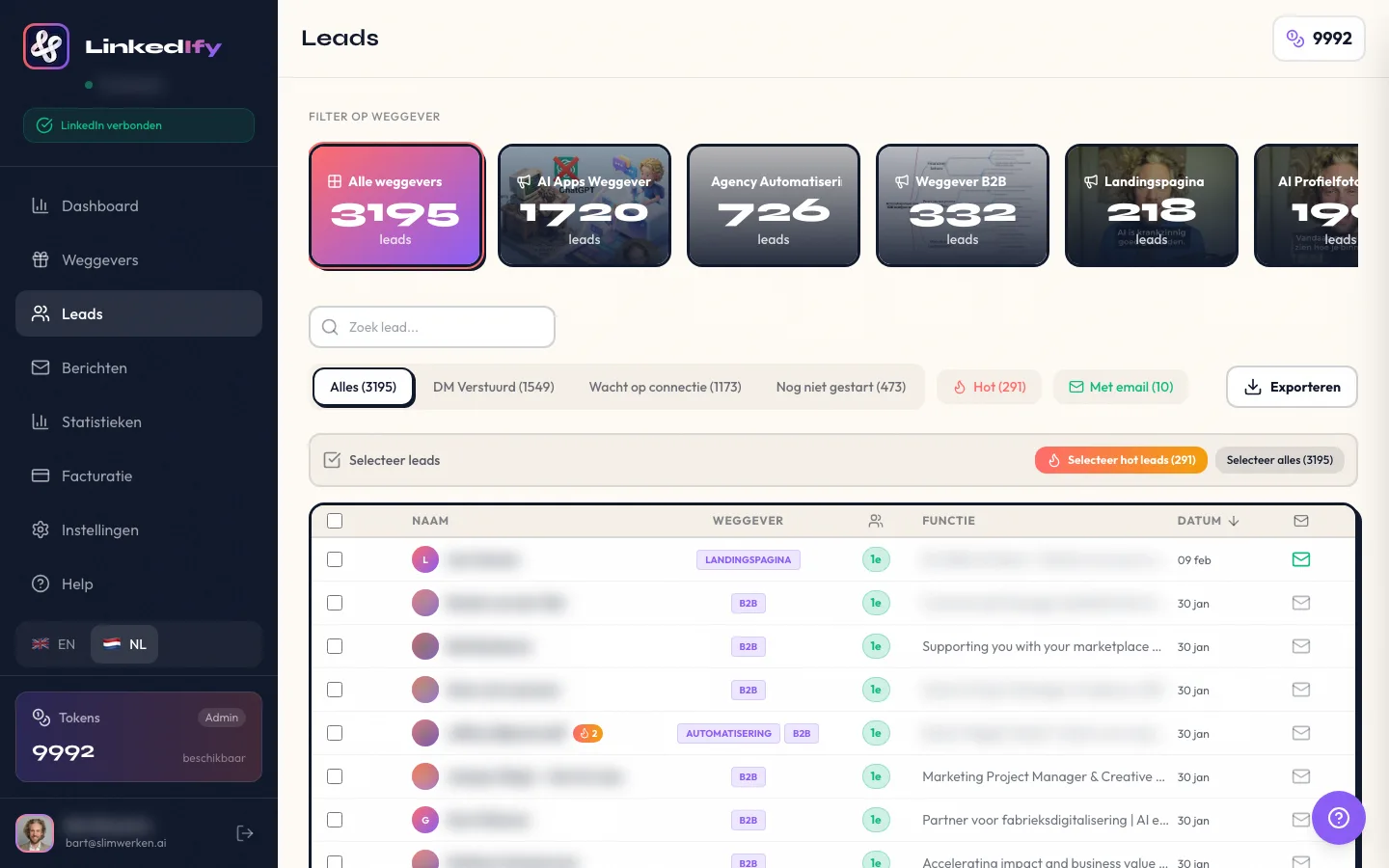
This is what you get
Frequently asked questions
Convinced? Get started.
Set up your first lead magnet in under 5 minutes.
Geen creditcard nodig • Klaar in 2 minuten