Creating a Lead Magnet: What Is It and Why Do You Need One?
What is a lead magnet and why does it work so well on LinkedIn? Learn how free content attracts warm leads and amplifies your reach with the flywheel effect.
5 min readRead article
Cookies
We use cookies for analytics to improve our website. Cookie policy
Lead magnet, freebie, opt-in. It's all the same. What exactly is a lead magnet, which examples work, and how do you use it on LinkedIn?
Lead magnet, freebie, opt-in, free download. All names for the same thing. A free piece of content you give away in exchange for engagement. If you've been confused by the terminology, let's clear it up.
A lead magnet is a free piece of content you offer in exchange for an action. On LinkedIn, that action is usually a comment on your post. On a website, it's often filling in an email address. The principle is the same: you give something valuable away to start a relationship with a potential customer.
The term "lead magnet" describes exactly what it does. It's a magnet that attracts leads. In Dutch, the common term is "weggever" (literally: "give-away"). Other names you'll encounter: freebie, opt-in, free download, content upgrade. The name doesn't matter. What matters is what it does.
And what it does is simple: it solves a small problem for your target audience. That proves your expertise. The recipient thinks: "If the free version is already this good, how good is the paid service?" That's the whole idea.
The best lead magnets are quick to consume and immediately actionable. A checklist you can run through in 5 minutes. A template you can fill in today. A short video that solves a specific problem.
What doesn't work: an 80-page e-book. Nobody reads that. A generic "guide" without concrete action steps. Or something your audience could Google in 2 minutes. Your lead magnet must deliver value that's not easily found elsewhere.
Concrete examples: a recruiter offers a "Salary Negotiation Script." A marketer shares a "Content Calendar Template." A coach provides a "Self-Reflection Checklist for Managers." Specific, practical, immediately usable.

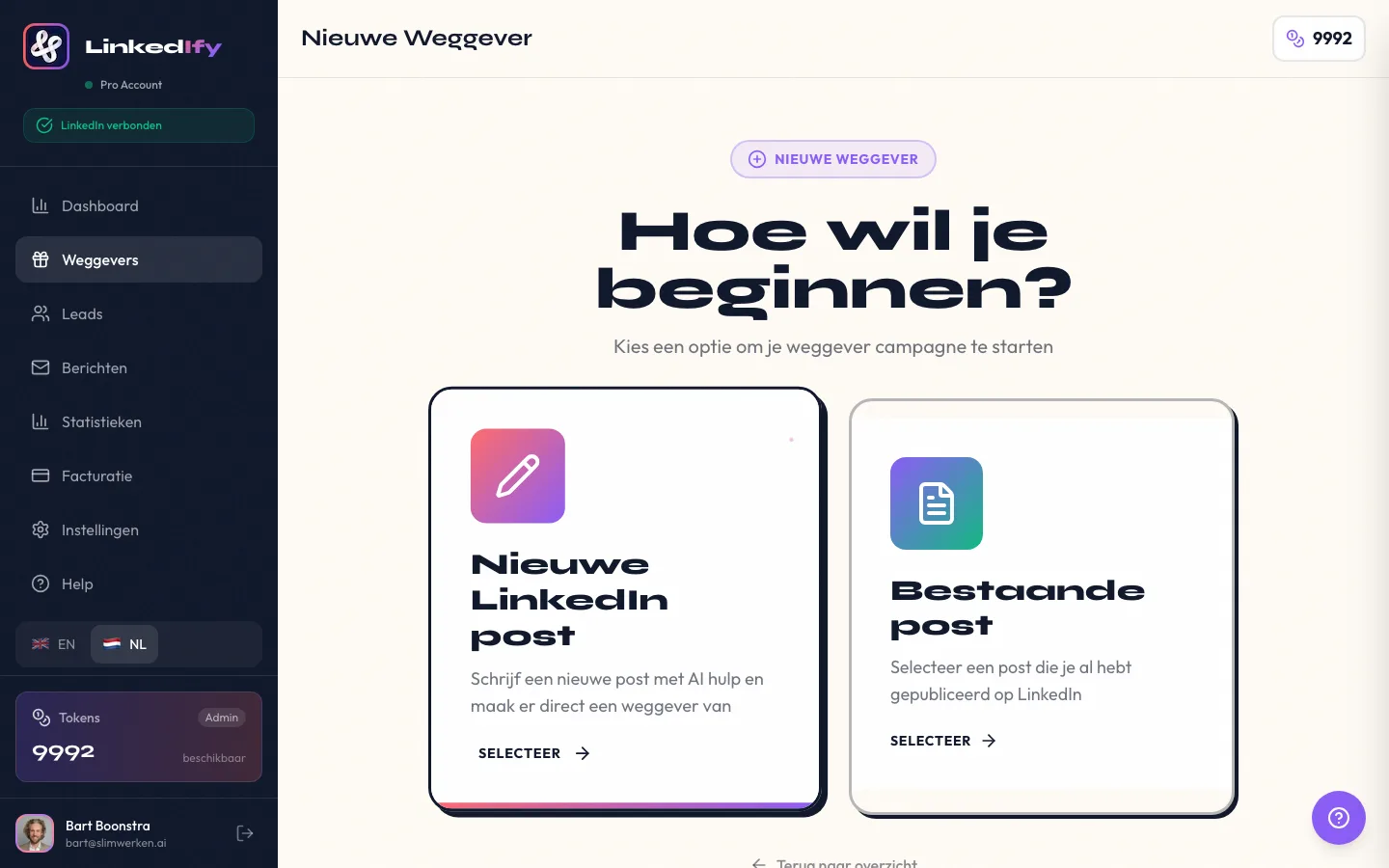
On LinkedIn, the lead magnet strategy works through the comment-to-DM model. You write a post explaining what your lead magnet is and what someone can achieve with it. At the end, you ask people to comment with a specific word. Your magic keyword.
Someone comments with the keyword. You send a DM with the link. Manually or automatically. That's your choice. But with more than 20 comments, you'll want to automate it. Otherwise you're busy all day.
The beauty of LinkedIn is that every comment gives your post a boost in the algorithm. More comments means more reach. More reach means more comments. It becomes a flywheel when you do it right.
Try LinkedIfy free for 7 days — no credit card required.
Your lead magnet isn't a replacement for your paid offer. It's the first step. You give a taste of your expertise. The lead magnet solves a small problem. Your paid service solves the big problem.
Read how to promote and automate your lead magnet for the next step.
Think of it as a funnel. Your lead magnet attracts hundreds of people. Some of them have a bigger problem. They reach out. Without a lead magnet, you would never have reached them. With one, you build a list of people who already know you're good at what you do.
Nothing. They're the same concept. "Lead magnet" is the most common term in marketing. "Freebie" is more casual. Both mean: a free piece of content in exchange for engagement or contact information.
Yes. That's the whole point. You give something valuable away to earn trust and start a relationship. If you charge for it, it's a product, not a lead magnet.
Short. A good lead magnet can be consumed in 5-10 minutes. 1-2 page checklists, fill-in templates, or 3-5 minute videos perform best.
PDF checklists, templates (Excel, Notion, Google Docs), short videos, swipe files, and mini-audits. Choose the format that best fits the problem you're solving.
Start with one. One that perfectly matches your target audience. If it works well, you can create more for different segments or problems. Quality over quantity.
Try LinkedIfy for free and automate your first lead magnet on LinkedIn.
Try LinkedIfy free for 7 days. No credit card required. Your first campaign live in 15 minutes.
No credit card required - Set up in 2 minutes