
Creating a Lead Magnet: What Is It and Why Do You Need One?
What is a lead magnet and why does it work so well on LinkedIn? Learn how free content attracts warm leads and amplifies your reach with the flywheel effect.
5 min readRead article
Cookies
We use cookies for analytics to improve our website. Cookie policy

Your lead magnet is ready. A solid checklist, a useful template, or a valuable PDF. Now you need to make sure people actually see it. Because the best lead magnet in the world delivers nothing if nobody knows it exists.
LinkedIn is the most effective channel to promote your lead magnet. Your target audience is already there. They scroll through their feed looking for valuable content. Your job is to stand out and make clear why they want your lead magnet.
The formula is simple. Start with the problem your lead magnet solves. Make it relatable. Show that you get it. Then introduce your lead magnet as the solution. And close with a clear call-to-action: "Comment TEMPLATE and I'll DM it to you."
Don't post a lead magnet offer every day. Alternate with regular content. Tips, insights, personal stories. Build trust first. Then, when you offer your lead magnet, people already know your content is valuable.
The magic keyword is crucial. It must be short. One word is ideal. Unique. Something nobody types accidentally. And relevant to your lead magnet. "CHECKLIST" for a checklist. "TEMPLATE" for a template. "PDF" when sharing a PDF.
Avoid words people already use in normal comments. "Yes" or "great" are bad keywords. "FREE" works. Nobody types that accidentally in a LinkedIn comment. Keep it simple. Simplicity always wins.

A lead magnet post isn't a one-time thing. You can promote the same lead magnet multiple times. Write a different post with a different angle each time. The first time, focus on the problem. The second time, share results from people who used the lead magnet. The third time, tell the story behind why you created it.
Your reach on LinkedIn is limited anyway. Only 5-15% of your network sees a specific post. That means 85% missed your lead magnet post. You want to reach them too. Repost with a different hook and you attract new leads.
Read how to write a successful lead magnet post for proven post formulas.
LinkedIfy sends your lead magnet to everyone who responds.
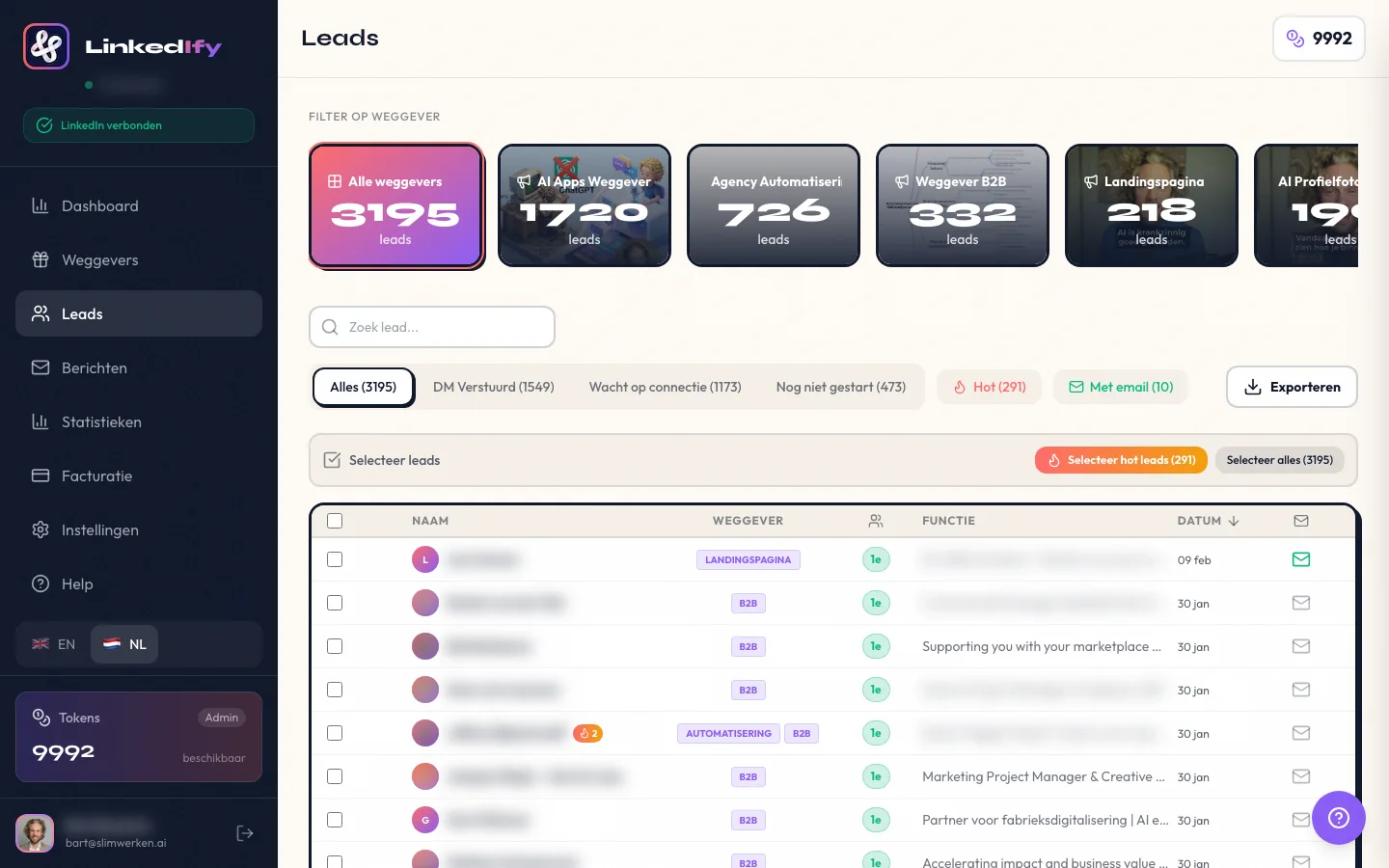
Sending your lead magnet doesn't have to be manual. LinkedIfy detects comments with your keyword and automatically sends a DM. You set it up once. After that, it works without your input. Every new comment gets handled.
LinkedIfy also posts a wall comment in reply to each lead. "Sent!" That's social proof encouraging other followers to comment too. More comments, more reach, more leads. The process feeds itself.
You can also have multiple lead magnets active simultaneously on different posts. Each post with a different keyword, each lead magnet for a different segment of your audience. LinkedIfy handles them all.
Once or twice per month for the same lead magnet is a good rhythm. Alternate with regular content. If every post is a lead magnet offer, your followers will get tired of it.
Yes. Write a different post with a different angle each time. You reach new people from your network who missed the previous post.
Look at the number of comments with your keyword, the number of DMs sent, and how many people reach out afterward. LinkedIfy shows all these statistics in your dashboard.
Not necessarily. Organic reach on LinkedIn can already deliver dozens to hundreds of leads per post. Start organic. Consider LinkedIn Ads only once you know your lead magnet converts.
In minutes. Connect your LinkedIn account to LinkedIfy, select your post, set your keyword, and write your DM. From that moment, comments are handled automatically.
Start your free trial and automate your lead magnet promotion today.
Try LinkedIfy free for 7 days. No credit card required. Your first campaign live in 15 minutes.
No credit card required - Set up in 2 minutes