LinkedIn Lead Magnet Automation: Send Lead Magnets on Autopilot
Discover how LinkedIn lead magnet automation helps you collect leads automatically via magic keywords and DMs with LinkedIfy.
5 min readRead article
Cookies
We use cookies for analytics to improve our website. Cookie policy
Learn how to automatically send your LinkedIn lead magnet to everyone who comments. From manual DMs to full automation with comment-to-DM.

87 comments on your LinkedIn post. All people who want your lead magnet. Now you have to DM each one manually. Copy-paste, edit the name, send. Copy-paste, edit the name, send. After an hour you're not even halfway.
Your post goes viral. Amazing. But then the work starts. Every comment is a lead waiting for your lead magnet. With 20 comments it's manageable. With 100 it becomes a full day's work. And meanwhile you're losing leads. The longer you wait to respond, the colder they get.
Some entrepreneurs hire a VA to send DMs. That costs money and you give a stranger access to your LinkedIn account. Others simply stop offering lead magnets because it's too much work. What a waste. The leads are already there. You just need to follow up.
The concept is simple. You connect your LinkedIn account to a tool. You select your post and set a magic keyword. The word people need to type in their comment. Then you write a DM template with a link to your lead magnet.
From that point on, the tool does the work. Someone comments with your keyword. The tool detects the comment, checks if they're a first-degree connection, and automatically sends your DM. That takes seconds instead of minutes.
The tool also posts a wall comment as a reply to your lead's comment. Something like "Sent!" That's social proof. Other people see it, think "I want that too" and comment themselves. Your post gets more engagement and more reach.

2-3 hours per post with 50+ comments
DM within seconds, not hours
Wall comments boost your post
Every comment gets handled
The time savings are the most visible. But the real advantage is speed. A lead who gets a DM within a minute is warmer than one who has to wait 6 hours. The conversion to a conversation or sale is significantly higher.
It also scales without extra effort. Whether you get 10 or 500 comments. The process is the same. No VA needed. No choosing which leads to follow up with and which to skip. Everyone gets the same fast service.
LinkedIfy sends your lead magnet to everyone who responds.
With LinkedIfy, setup takes minutes. Connect your account, select your post, choose your keyword, and write your DM. That's it. LinkedIfy handles the rest. Detection, filtering, DM delivery, and wall comments. All automatic.
Read how to write a successful lead magnet post to get more comments on your posts.
You can personalize the DM with your lead's first name. And you choose whether to post a wall comment and what it should say. Once set up, you don't have to think about it. Unless you want to watch how fast the leads are coming in.
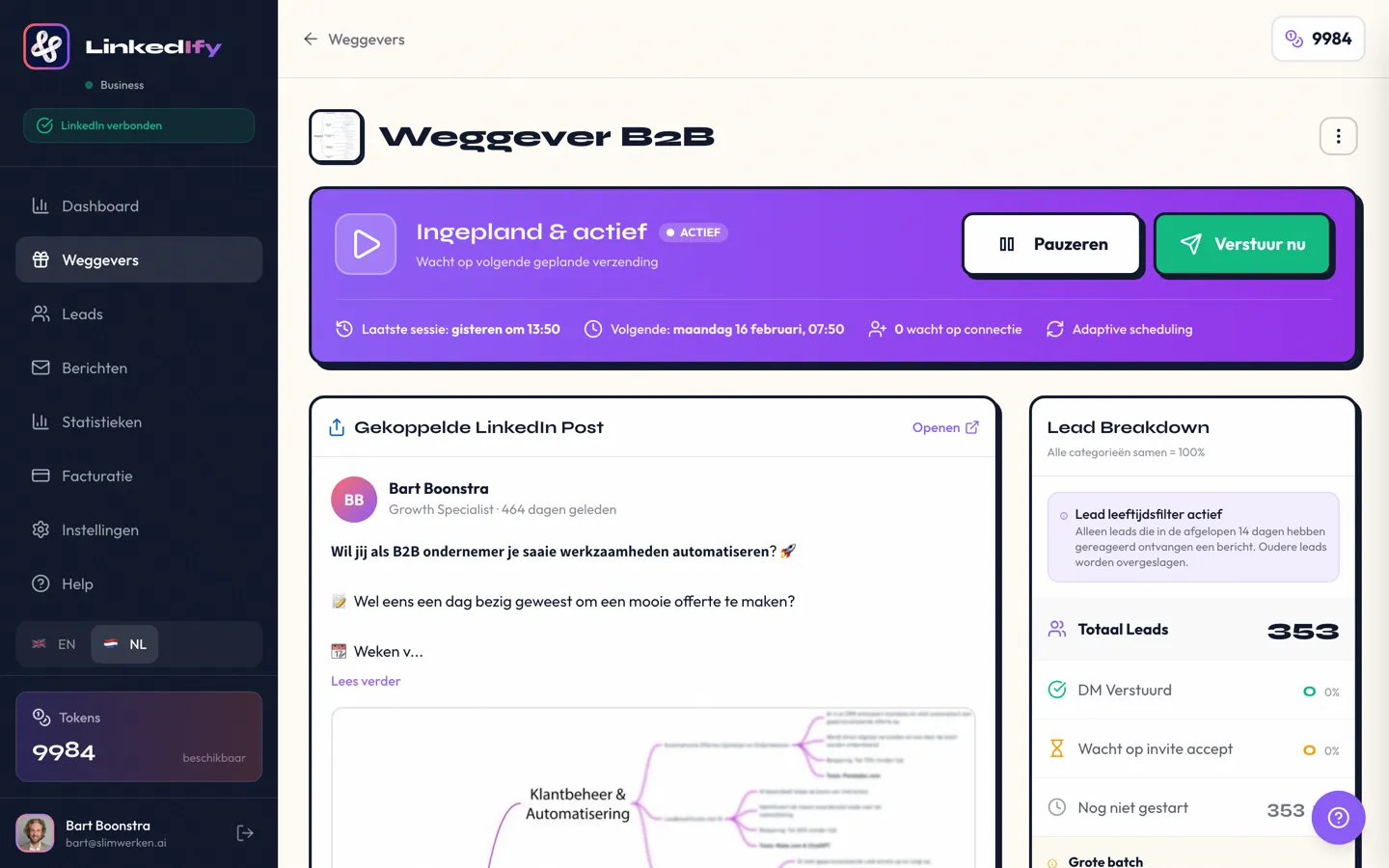
LinkedIfy checks your post regularly for new comments. Once a match is found, the DM is sent within seconds. Your lead doesn't have to wait.
First-degree connections get a DM immediately. For non-connections, LinkedIfy posts a wall comment inviting them to connect. Once they do, the DM follows automatically.
LinkedIfy only messages people who commented on your post themselves. That's not spam. LinkedIn sees the difference between unwanted messages and service to interested people.
That depends on your LinkedIfy plan. The tool respects LinkedIn's own limits and ramps up gradually to keep your account safe.
Yes. You write your own DM template and can automatically insert your lead's first name. Every DM feels personal, even though it's automated.
Start your free trial and send your first lead magnet automatically.
Try LinkedIfy free for 7 days. No credit card required. Your first campaign live in 15 minutes.
No credit card required - Set up in 2 minutes