
Comment-to-DM Strategy: How to Generate Warm Leads on LinkedIn
Learn how the comment-to-DM strategy works on LinkedIn. From magic keyword to automated DM: generate warm leads without cold outreach.
5 min readRead article
Cookies
We use cookies for analytics to improve our website. Cookie policy
The best LinkedIn automation tools compared. From cold outreach to comment-to-DM: discover which type of automation works best for your strategy.

You spend hours on LinkedIn every week. Sending connection requests, typing DMs, answering comments. And yet your network barely grows. Automation tools promise relief. But which one actually fits your approach?
Most LinkedIn automation tools do the same thing: they send connection requests to strangers on your behalf and follow up with a message. That's called cold outreach. It works, but conversion is low. Acceptance rates of 15-25% are normal. And you risk LinkedIn restrictions.
There's an alternative. Comment-to-DM automation flips the process. You post valuable content with a magic keyword. People comment on their own. And automatically receive your lead magnet via DM. No cold messages. Only warm leads who already showed interest.
Cold outreach tools like Expandi, Dripify, and Waalaxy focus on automating connection requests and follow-up sequences. They work well for sales teams prospecting at scale. Prices range from $39 to $160 per month.
Data scraping tools like Phantombuster extract lead lists from LinkedIn. Powerful, but complex. You need technical knowledge to get the most out of them. And the price adds up quickly.
Budget tools like Dux-Soup and Linked Helper are cheaper (from $15/month), but run as browser extensions. That means: your laptop must be on, and LinkedIn detects them more easily.
Comment-to-DM tools like LinkedIfy automate sending lead magnets to people who comment on your posts. No cold outreach, no connection requests. Only DMs to people who asked for it themselves.

The difference is intent. With cold outreach, you approach people who aren't waiting for you. With comment-to-DM, you send something to someone who literally asked for it.
Share content with a magic keyword
People respond with your keyword
Automatic keyword matching
Your lead magnet is delivered instantly
Social proof for more reach
The result: higher conversion, zero spam complaints, and a growing list of engaged leads. Plus: every comment boosts your post in the LinkedIn algorithm. More comments, more reach.
Try it yourself — your first campaign is live in 15 minutes.
Whatever tool you choose, follow these rules. Start slow. Begin with 10-15 actions per day and ramp up over 2-4 weeks. Choose cloud-based tools over browser extensions (lower detection risk). And respect LinkedIn's daily limits.
LinkedIfy is inherently safer here. You're messaging people who commented themselves. That's not spam. That's service. LinkedIn sees the difference.
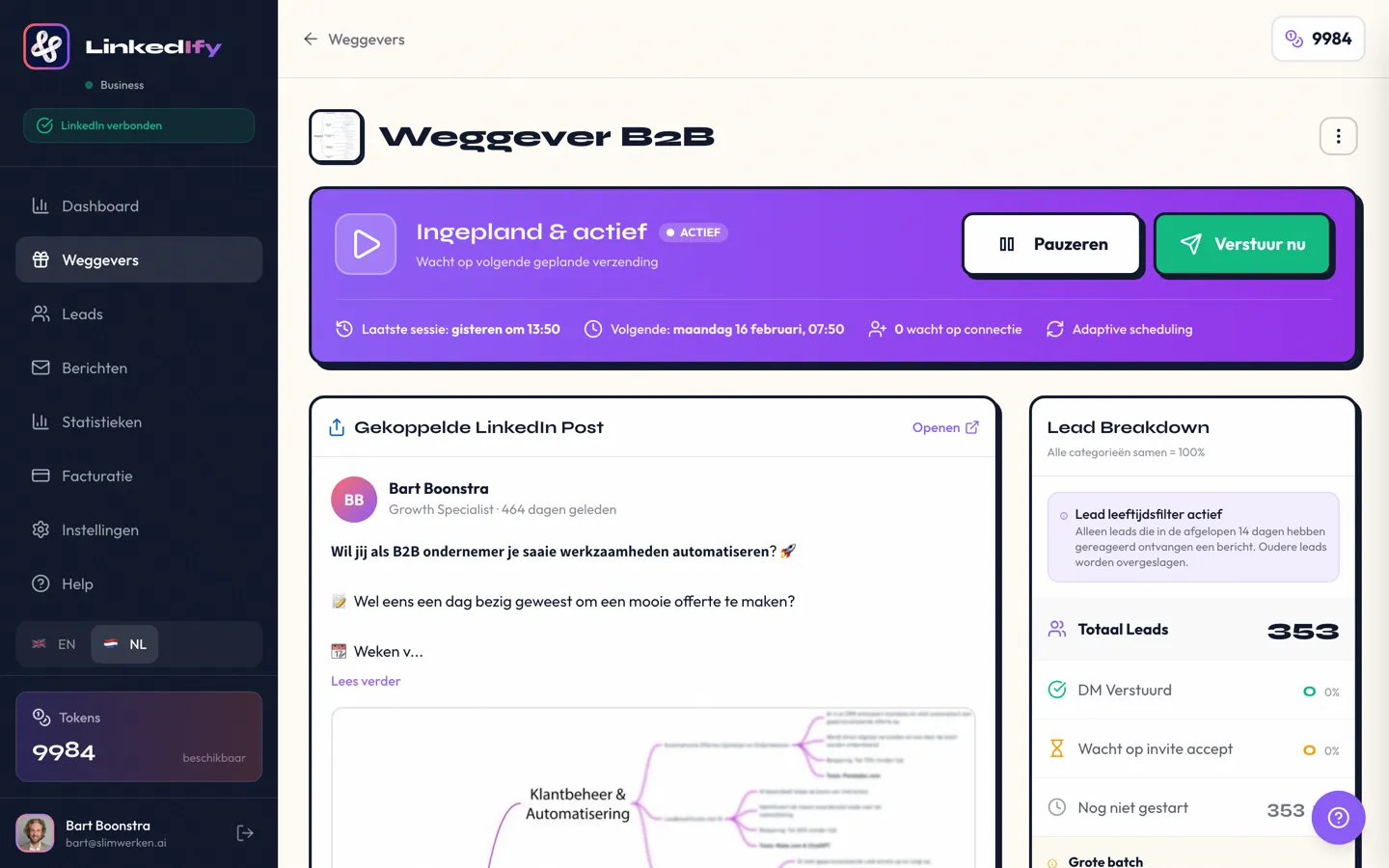
It depends on your strategy. Want to cold prospect at scale? Look at Expandi or Dripify. On a tight budget? Dux-Soup is an option. Want warm leads through content. People who already show interest? Then LinkedIfy is the logical choice.
It depends on the type of tool. Browser extensions are detected more easily. Cloud-based tools like LinkedIfy are safer. Comment-to-DM is the safest: you only message people who responded themselves.
Cold outreach sends messages to strangers. Comment-to-DM responds to people who show interest via a magic keyword. Conversion is higher and the risk of restrictions is lower.
With aggressive cold outreach: yes. LinkedIn detects unnatural behavior. Comment-to-DM is safer because you respond to real interactions. Always start slow and ramp up gradually.
Prices range from $15/month (budget extensions) to $160/month (enterprise outreach). Comment-to-DM tools like LinkedIfy fall in between with a free trial available.
Yes. You don't need a large network. Every comment on your post increases reach via the LinkedIn algorithm. Even with 500 connections, you can generate dozens of warm leads per post.
Start your free trial and discover the difference.
Try LinkedIfy free for 7 days. No credit card required. Your first campaign live in 15 minutes.
No credit card required - Set up in 2 minutes