LinkedIn Funnel Setup: From Stranger to Client in 4 Steps
Learn how to set up a LinkedIn sales funnel that converts strangers into clients. From grabbing attention to conversion in 4 stages.
5 min readRead article
Cookies
We use cookies for analytics to improve our website. Cookie policy
Learn how to convert LinkedIn followers into email subscribers using the magic keyword strategy. From post to DM to opt-in. Automated with LinkedIfy.

You have 5,000 LinkedIn followers. Tomorrow LinkedIn changes the algorithm and your reach drops by half. Nothing you can do about it. Unless those followers are also on your email list.
Your profile, your posts, your connections. It all belongs to LinkedIn. They can limit your reach, block your account, or remove features. You have zero control. That's the fundamental problem of building on a platform you don't own.
An email list is different. It's yours. No algorithm deciding who sees your messages. No platform changing the rules. You send, they read. It's that simple.
The smartest strategy is using both. LinkedIn for reach and visibility. Email for the relationship and the sale. LinkedIn is your storefront, email is your sales conversation.
The idea is straightforward. You post valuable content on LinkedIn. At the end you offer something extra. A checklist, template, or PDF. People comment with a magic keyword. You send it via DM. In that DM you ask for their email or link to a landing page.
Post with useful content
Add magic keyword
Types the keyword
Lead magnet + opt-in link
New subscriber
The lead magnet is the bridge. Someone who downloads a free template through your LinkedIn DM is 10x more likely to subscribe to your newsletter than a random website visitor. They already know you. They've already received value.
Read more about the comment-to-DM strategy and how it works for lead generation.
LinkedIfy sends your lead magnet to everyone who responds.
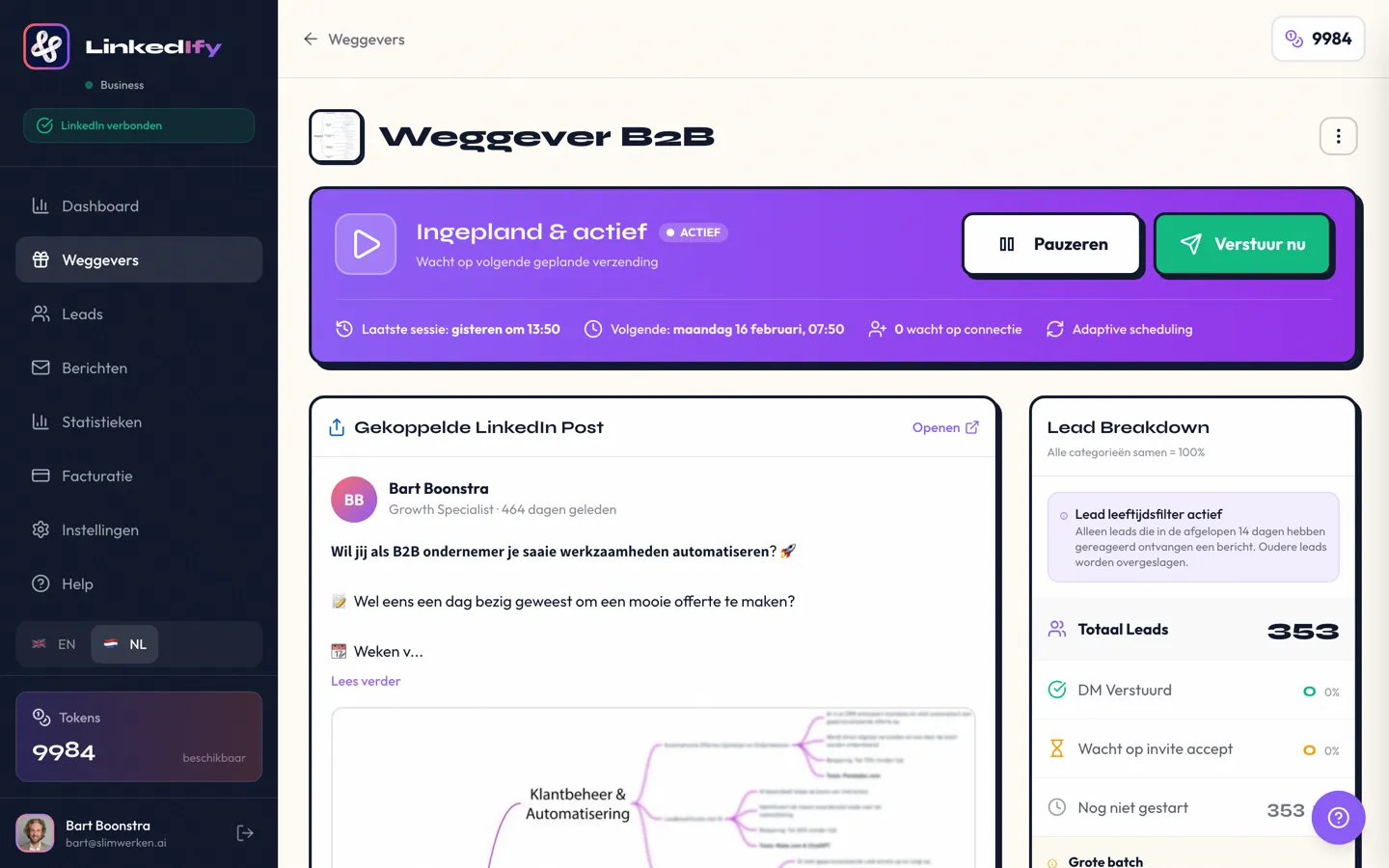
Manually sending dozens of DMs after every post isn't sustainable. LinkedIfy automatically detects who comments your magic keyword and sends your lead magnet via DM. You don't have to do anything. Your post goes live, leads respond, and your email list grows in the background.
LinkedIfy also posts a wall comment as social proof. Others see "Sent!" and that triggers more comments, more reach, and more leads. A flywheel that reinforces itself.
It depends on your reach and the quality of your lead magnet. Active posters with 3,000+ connections easily collect 20-50 addresses per post. With consistency you quickly build a list of hundreds.
Templates, checklists, and short PDF guides work best. Choose something immediately useful that solves a specific problem. The more specific, the higher the conversion.
Add a link to your landing page in your DM template. For example: "Here's your template! Want more content like this? Sign up at [link]." Keep it short and low-barrier.
Yes, as long as you have clear opt-in. The person chooses to comment, receives your DM, and voluntarily subscribes. Always use a double opt-in form on your landing page.
Two to three posts per week is ideal. Not every post needs a lead magnet. Alternate valuable content with posts that offer your lead magnet.
Start free with LinkedIfy and start building your email list through LinkedIn today.
Try LinkedIfy free for 7 days. No credit card required. Your first campaign live in 15 minutes.
No credit card required - Set up in 2 minutes